
Apartment Management Software: stop running the building on evenings and weekends
Managing an apartment building is voluntary work, but you still answer to everyone. Kendin Yönet gathers dues, expenses and resident communication in one place so month end is calm.
The real load on an apartment manager
Managing a building usually starts as a neighbourly favour and quietly becomes bookkeeping. You track who paid, collect invoices, pay the caretaker on time, and then explain all of it to the owners at the end of the year.
The hard part is not keeping the accounts; it is being able to prove them. When an owner asks where the money went, goodwill alone does not answer the question without an orderly record.
That is where apartment management software earns its place. Once every collection, expense and decision is recorded, running the building stops being a subject of argument. Kendin Yönet works the same way in small buildings and is not heavier than it needs to be.
What you need in a small building
Useful even with a handful of units, without a heavy setup.
Dues tracking per unit
Who paid, who is late and how much has built up, visible on one screen and always current.
Automatic bank matching
Payments arriving in the account are posted to the right unit without receipts or manual ticking.
Invoice and expense records
Electricity, water, lift maintenance and cleaning are recorded line by line, so the year end is clear.
Caretaker and staff
Pay, insurance and leave details are kept on file, with reminders when payment is due.
Decision book and documents
Decisions and meeting minutes are stored digitally and remain searchable.
Transparent access for owners
Every owner can see their own balance and the building's accounts from the app, so information requests stop landing on the manager.
Three steps to start
At apartment scale, setup usually takes a couple of hours.
- 1
Enter the units
Unit numbers, owners and any tenants are defined. If you already have a list, import it.
- 2
Set the dues amount
Enter the monthly amount and due day. The system creates the charges each month so you do not have to remember.
- 3
Tell the owners
Residents install the app, see their balance and pay. Announcements go out from the same place.
Which buildings is it for?
Features grow with scale; the logic stays the same.
Small buildings
Even with a few units, dues tracking and expense records bring order. No complex setup required.
Mid-sized buildings
Buildings with a caretaker, a lift and regular costs gain staff and maintenance tracking.
People running several buildings
Managers looking after a few buildings nearby can keep each separate and run them from one account.
Screens
The two screens managers use most.
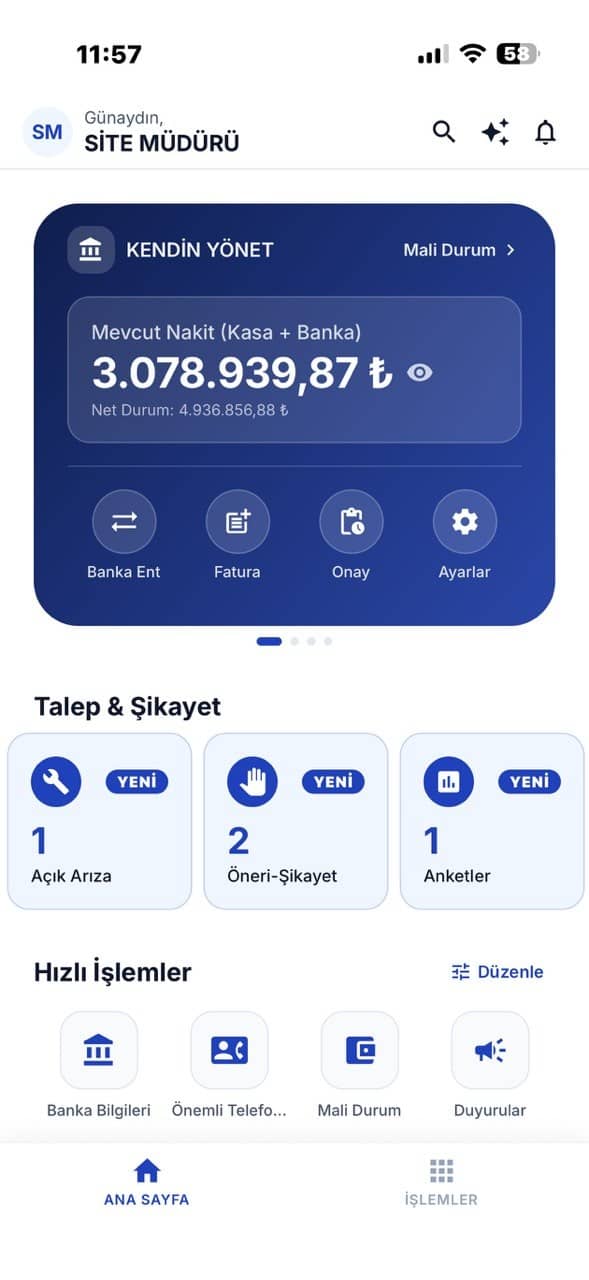
Communication centre
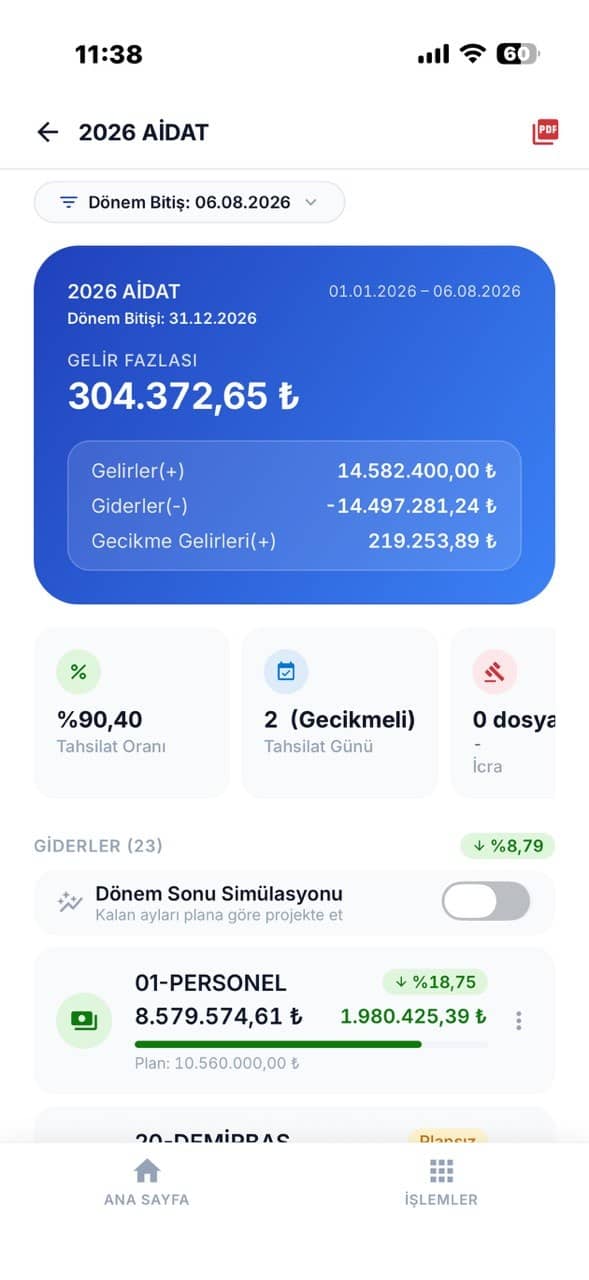
Income and expense
Frequently asked questions
Managing the building
should not be a second job.
Tell us how big your building is and we will plan the right setup together.
Try Free for 30 Days or give us a call: 0224 443 57 07