The End of Manual Data Entry
With Optima, document handling takes one click — fast and without mistakes.
What it does, how it helps.
Optima is where speed and accuracy meet in document handling.
Data Read Straight From the Image
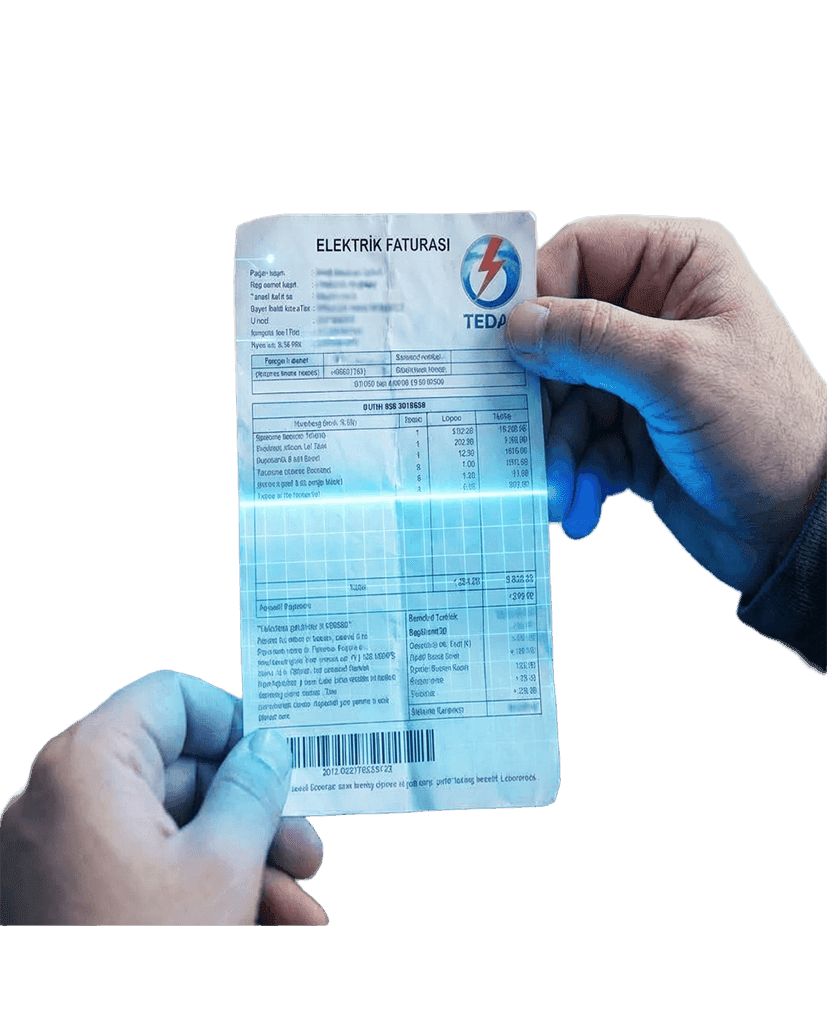
Reads the supplier name, date, invoice number and amount automatically from a photo of the invoice, receipt or document.
Fast, Accurate Records
Optical character recognition removes data entry errors and turns the bookkeeping step into a matter of seconds.
Secure Cloud Storage
Keeps the original image and the extracted data safely in the cloud, ready whenever you need them.
Complete Document Handling
Alongside the digital record, the original image is filed automatically against the right supplier account.
Kendin Yönet Integration
Everything extracted flows directly into Kendin Yönet's accounting and supplier modules.
Optima runs on the Kendin Yönet platform; installation and training are planned together with our team.
Let us plan the rollout togetherLive in 4 steps
Optima's OCR process, from photo to ledger.
- 01
Upload the Image
The manager photographs the invoice or uploads a scanned file — JPEG, PNG, PDF.
- 02
OCR Extraction
Optima's engine analyses the image and pulls out the critical fields — amount, supplier, date — in seconds.
- 03
Automatic Entry
The extracted values fill the accounting fields automatically. The manager simply confirms and, if needed, picks the expense category.
- 04
Archiving
The image is filed with its data under the relevant supplier account and in the cloud archive.
The details that
make the difference.
Maximum efficiency in your bookkeeping.
- Time SavedManual entry per invoice drops from minutes to seconds, freeing the manager for work that matters more.
- Accurate BooksHuman data entry errors disappear, which keeps the financial record accurate and transparent.
- A Digital ArchiveNo more folders and physical files. An invoice you are looking for is found in seconds.
- Evidence When You Need ItStoring every invoice image in the cloud, in line with the rules, gives you solid proof during audits and disputes.
- Nothing to LearnIt could hardly be simpler: upload the image, confirm the data.
About Optima.
If you have another question, fill in the form and our team will get back to you.
All questionsOptima reads standard printed and digital invoices, receipts and expense documents — PDF or image — and transfers the data successfully.
Optima's OCR accuracy is very high. On the rare occasion something is misread, the system completes the entry and presents a review and confirmation screen, where the manager can correct it before saving.
Images are held securely on our cloud servers for the statutory retention period, or for the period set out in your Kendin Yönet service agreement.
No. A clear photo taken with a phone camera is enough for Optima to extract the data.
Optima works with any official expense document, receipt, promissory note or invoice that carries a supplier name, a date and an amount — which is what lets the whole of your bookkeeping go digital.
Digital Change in
Your Accounts
Contact us to see Optima's OCR technology and request a demo.
Ten smart products that make life easier.
From collecting dues to controlling the car park, ten connected products. Every one of them reports into the same panel.
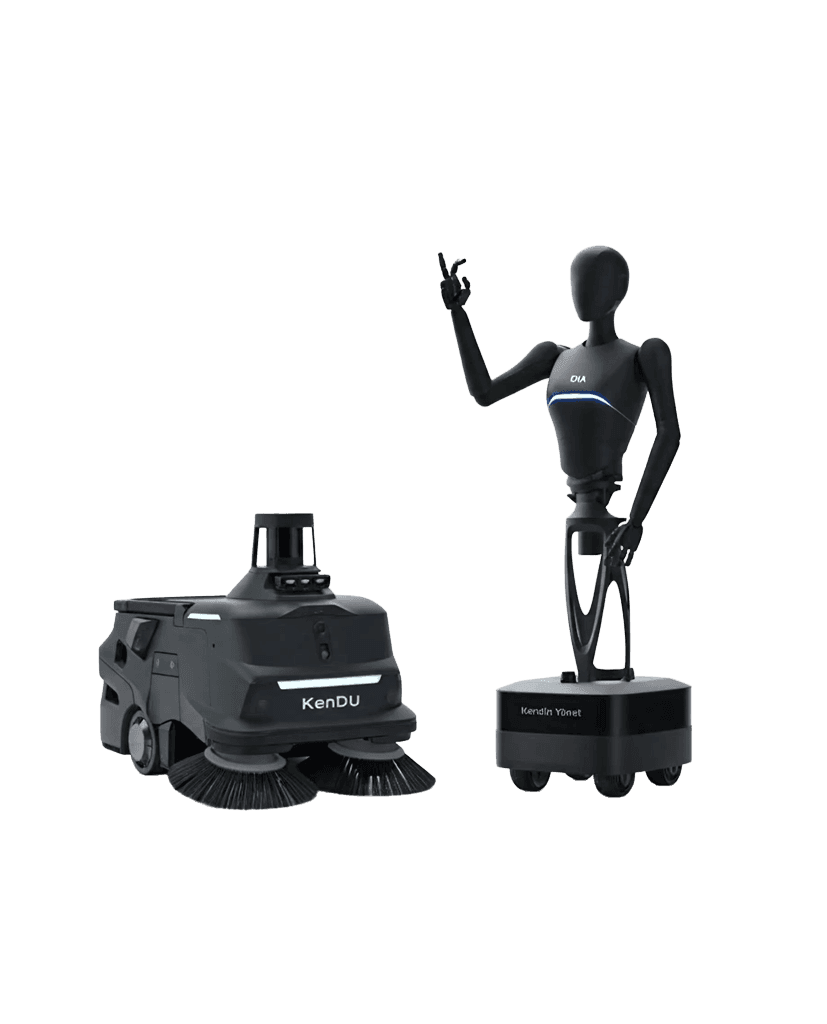
DİA
An AI-powered digital assistant that recognises you and answers your questions instantly.
Ken Box
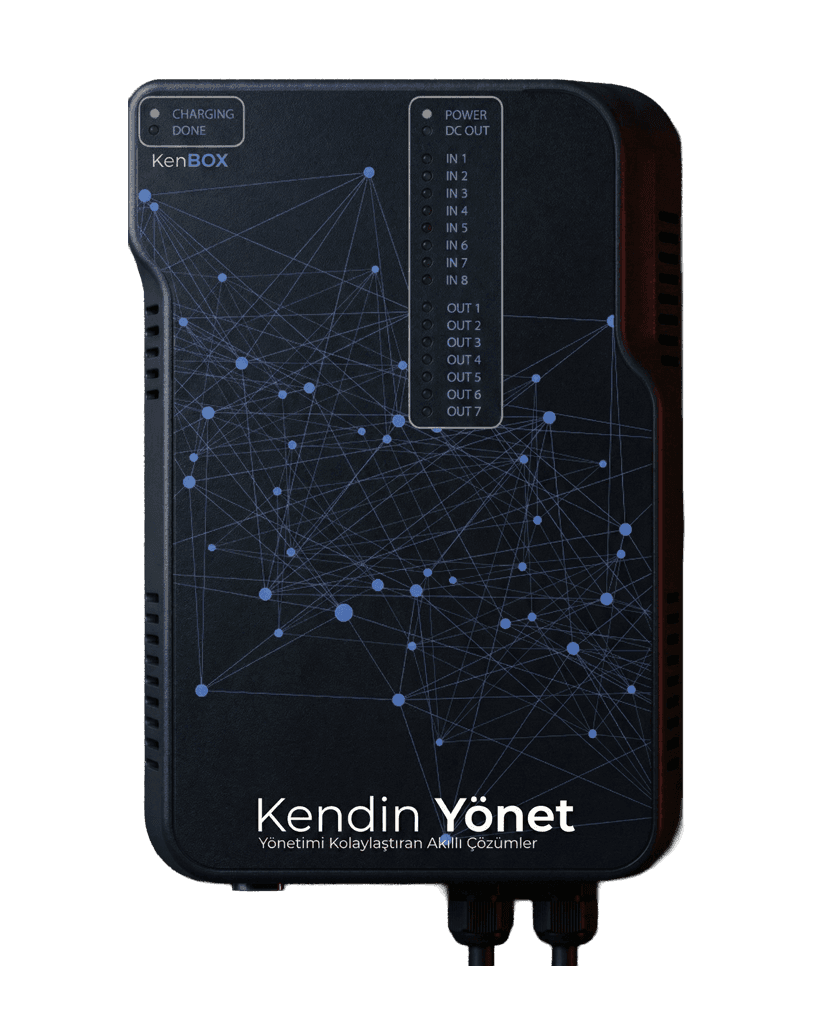
Remote control of central heating that saves energy and prevents faults.
Ken Bus
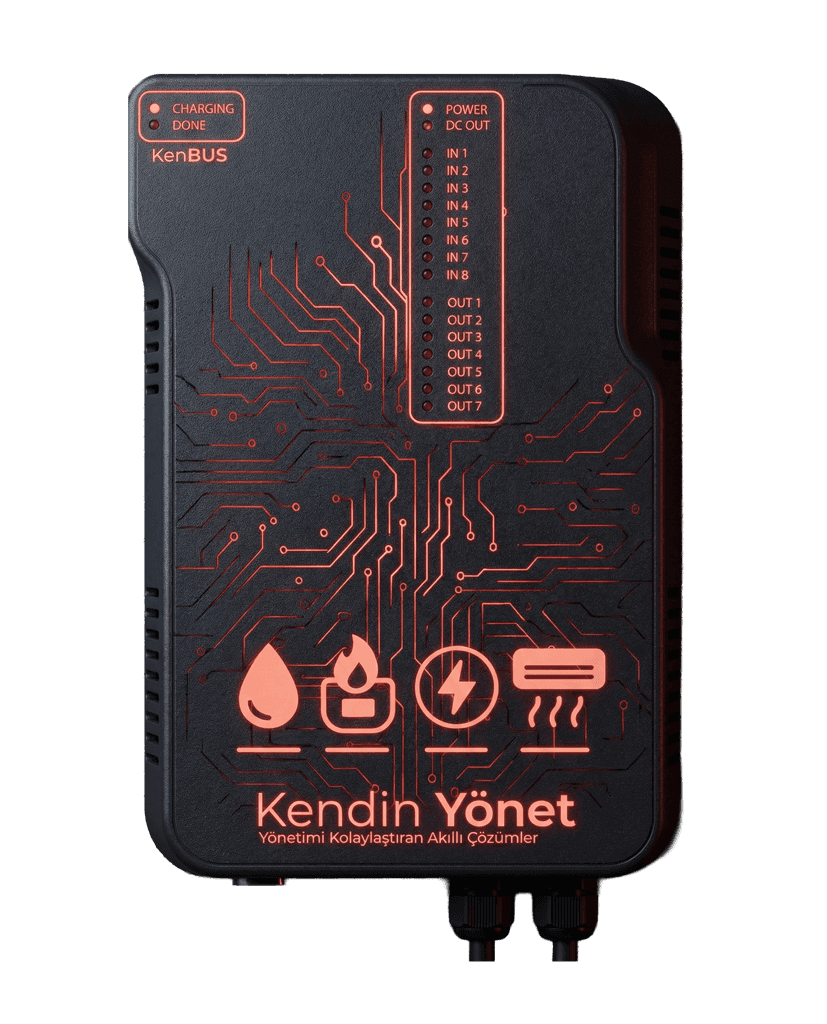
Remote meter reading for transparent, error-free billing.
Ken Fon
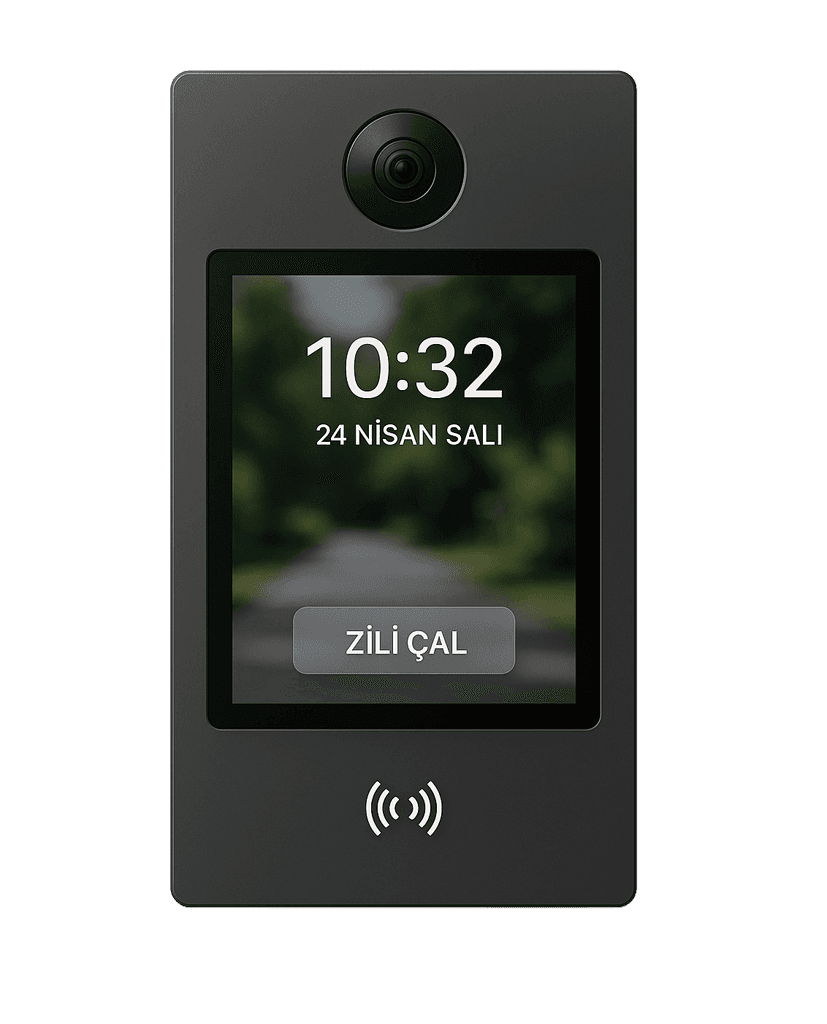
A video intercom that keeps communication inside the building secure and private.
Kendin Cafe
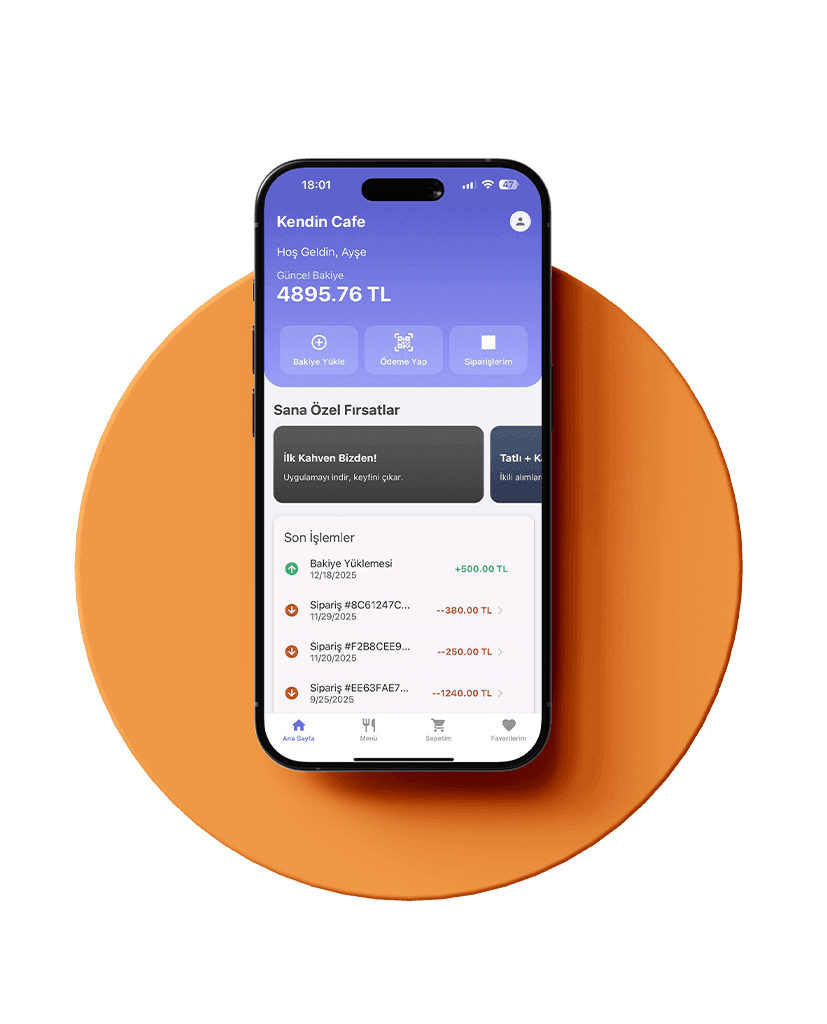
Contactless ordering and payment for the cafés in your shared spaces.
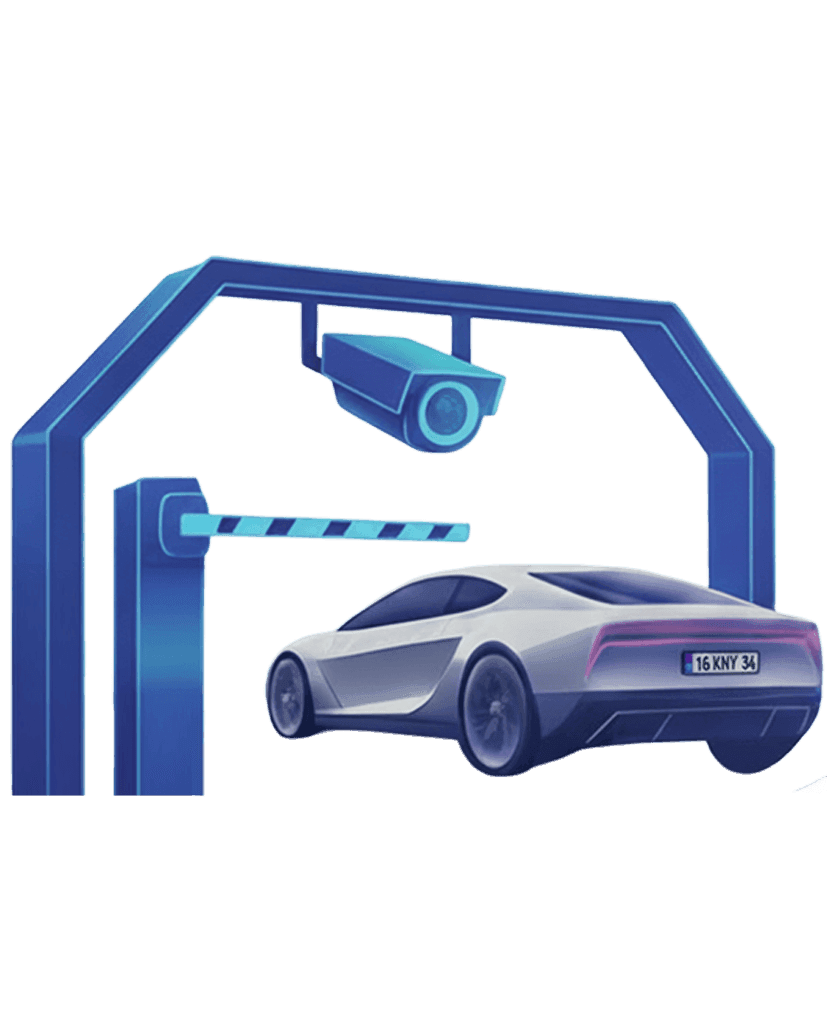
Kendin Park
Licence plate recognition that manages car park entry and exit automatically.
- Coming soon
KenDu
An autonomous cleaning robot that lowers the cost of shared-area cleaning.
Kida
Reach balances, announcements and bank details by phone, with a keypad.
Optima
A document solution that reads invoices automatically and speeds up bookkeeping.
- Coming soon
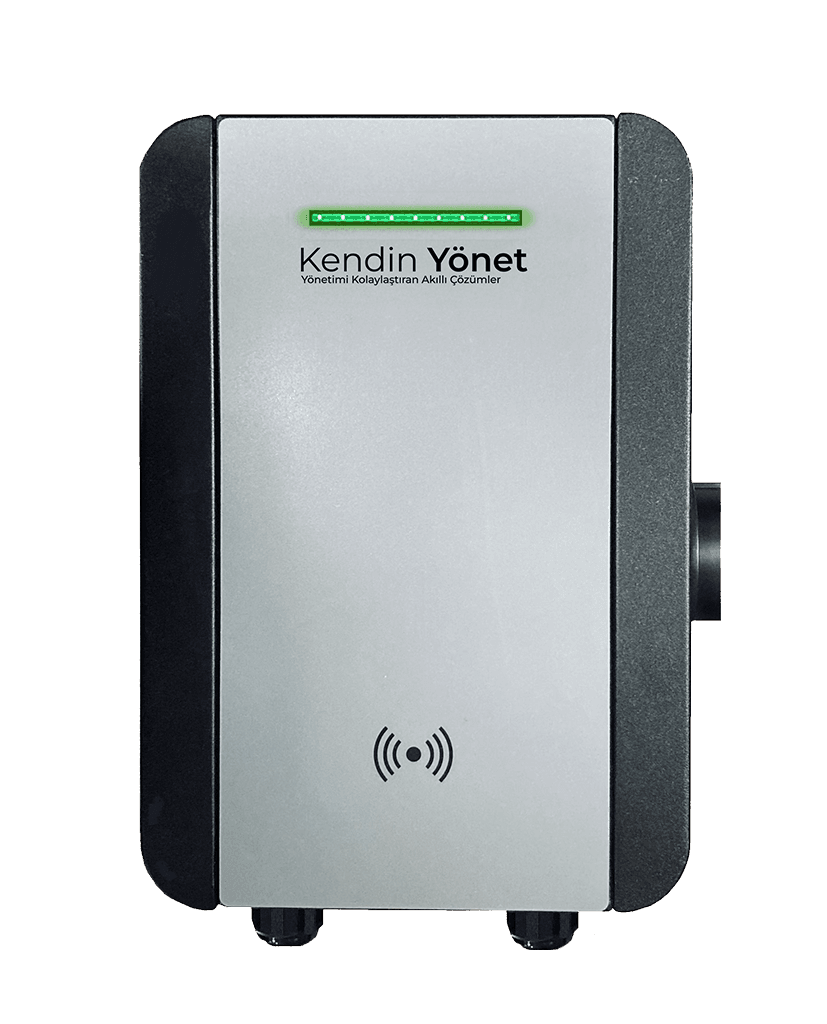
Kendin Şarj
Prepaid, NFC-enabled charging management for electric vehicles.